
HLS Explained: Why Your Video Goes from Blurry to Sharp Without Buffering
Have you ever experienced this: watching a video on the subway, it starts blurry but suddenly becomes sharp without buffering? This article demystifies the HLS protocol, m3u8 indexing, and Adaptive Bitrate (ABR) technology.
Have you ever experienced this scene: You’re watching a show on your phone on the subway, and the picture is a bit blurry at first, but after a few seconds, it suddenly becomes sharp and clear, and the whole process is completely stutter-free?
Or, have you ever wondered why modern live streaming can support millions of simultaneous users online, instead of buffering like it did ten years ago?
The unsung hero behind all this is largely a protocol called HLS (HTTP Live Streaming).
If you are a developer, or just a tech enthusiast interested in streaming technology, understanding HLS is your first step into the world of video.
In this article, I won’t pile on obscure jargon. I will take you through the core mechanisms of HLS: m3u8 indexing, TS slicing, and the magical Adaptive Bitrate (ABR). By the end of this article, you will fully understand what those rapidly jumping requests in the browser Network panel are doing.
The Core Logic of HLS: How to Put an Elephant in a Fridge?
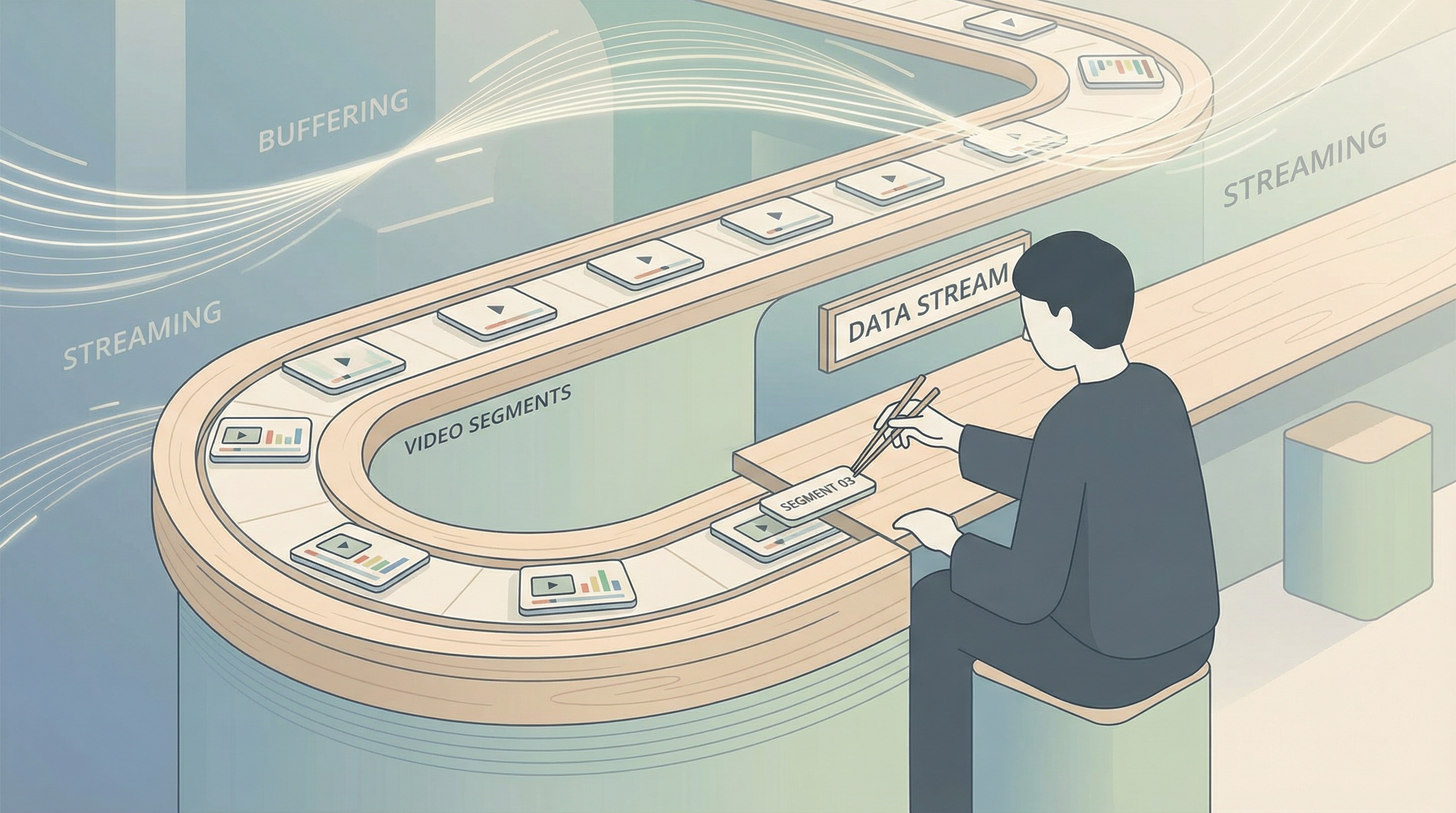 HLS is like conveyor belt sushi: the player picks up plates of video segments from the belt in order
Before HLS (think Flash era), playing video on the web often meant establishing a long connection (like RTMP) or downloading a huge MP4 file. This was like trying to swallow a whole pizza in one go—easy to choke on (insufficient bandwidth) and hard to digest (high memory usage).
HLS’s approach is very smart: it cuts the pizza into small pieces.
Apple introduced the HLS protocol in 2009, and its working principle can be summarized in three simple steps:
- Segmentation: The server doesn’t send the whole video directly, but cuts it into small files (usually in
.tsformat) that are only a few seconds long. - Indexing: The server generates a “playlist” file (the
.m3u8you often see), telling the player: “This is the first piece, this is the second piece…” - Polling: The player downloads the index, then downloads the video segments one by one in order and plays them.
This is just like eating conveyor belt sushi. You don’t need to bring all the sushi from the kitchen to the table at once; you just need to watch the conveyor belt (index) and take one plate after another (download segments). In this way, HLS turns streaming media into ordinary HTTP file downloads, solving huge compatibility and firewall issues.
Demystifying .m3u8: The “Treasure Map” of Streaming
If you open your browser’s developer tools (F12) and filter for “m3u8” in the Network panel, you will often see two types of files. This is exactly the ingenuity of the HLS design.
1. Master Playlist: The Menu
When the player requests a video for the first time, what it gets is usually a Master Playlist. This is like a restaurant menu; it doesn’t contain specific video data, but tells the player: “I have the following flavors for you to choose from”:
- 1080p HD (requires 5Mbps bandwidth)
- 720p SD (requires 3Mbps bandwidth)
- 480p Data Saver (requires 1Mbps bandwidth)
2. Media Playlist: The Specific Serving Order
Once the player selects a certain resolution (e.g., 1080p), it will request the corresponding Media Playlist. This file contains the real “meat”—the specific addresses of the video segments.
A typical .m3u8 file looks like this:
#EXTM3U
#EXT-X-VERSION:3
#EXT-X-TARGETDURATION:10
#EXT-X-MEDIA-SEQUENCE:0
#EXTINF:10.0,
segment0.ts
#EXTINF:10.0,
segment1.ts
#EXTINF:10.0,
segment2.ts
...#EXTINF:10.0: Tells the player that the following segment is 10 seconds long.segment0.ts: This is the real download address of the video file.
This is the secret of HLS: the player is just constantly reading this text file and downloading the corresponding small .ts files.
Adaptive Bitrate (ABR): HLS’s “Killer App”
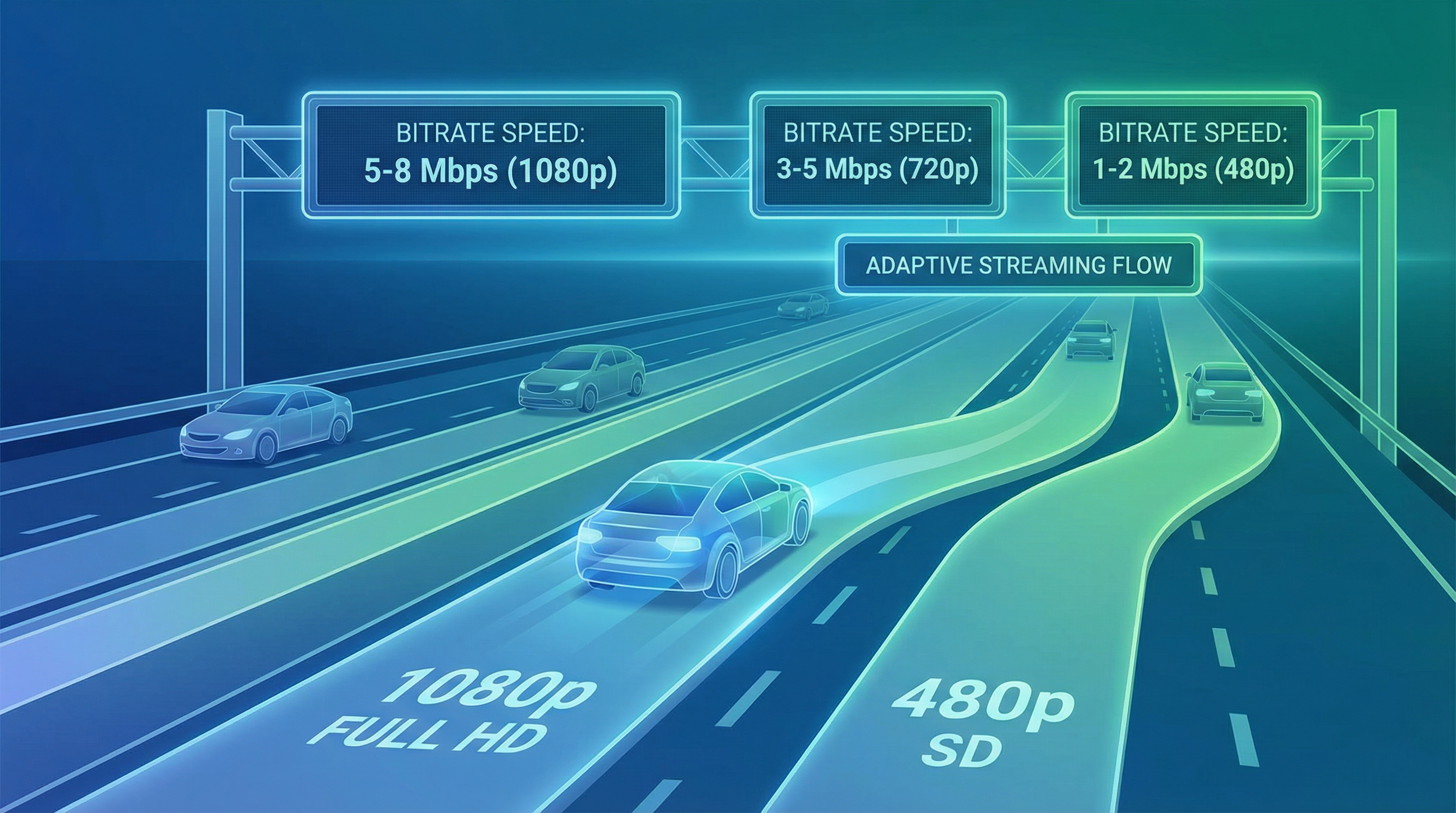 ABR is like smart lane changing: take the HD lane when the network is good, automatically switch to the smooth lane when the network is poor
Back to the opening question: Why does the video automatically become clear?
This is thanks to HLS’s Adaptive Bitrate (ABR) technology.
Imagine you are driving (playing a video).
- Highway (Wi-Fi): Road conditions are good, the player automatically switches to the “1080p lane”, downloading HD segments, letting you enjoy ultimate picture quality.
- Country Road (Weak Network/Poor 4G Signal): Suddenly the signal gets worse, and download speed can’t keep up. If it insists on downloading 1080p segments, the video will buffer and stutter.
- Automatic Lane Change: The HLS player detects the drop in download speed and will quietly switch to the “480p lane” at the next segment (e.g., the 5th segment).
The key point is: Segments of different resolutions are strictly aligned on the timeline. The 5th 1080p segment and the 5th 480p segment contain the same second of footage. Therefore, this switch is seamless. The user only feels the picture blur for a moment, but the sound and action do not break.
This is why Netflix or YouTube can still let you watch movies smoothly under unstable network conditions.
If HLS Is So Good, Why Is There Latency in Live Streaming?
You may have noticed that when watching a live football match, your neighbor is cheering for a goal while the players on your screen are still dribbling in midfield. typically, HLS live streams have a latency of 10 to 30 seconds.
This is a “side effect” of the HLS architecture.
To ensure smoothness, the player usually needs to buffer at least 3 segments before starting playback.
- Assuming each segment is cut into 10 seconds.
- Player buffers 3 segments = 30 seconds latency.
Although current technology can cut segments smaller (e.g., 2-4 seconds) or use Low-Latency HLS (LL-HLS), compared to “push” protocols like UDP/RTMP, HLS’s file-based “pull” mode is inherently not designed for ultra-low latency.
Its advantage lies in stability, not speed.
The Bottom Line
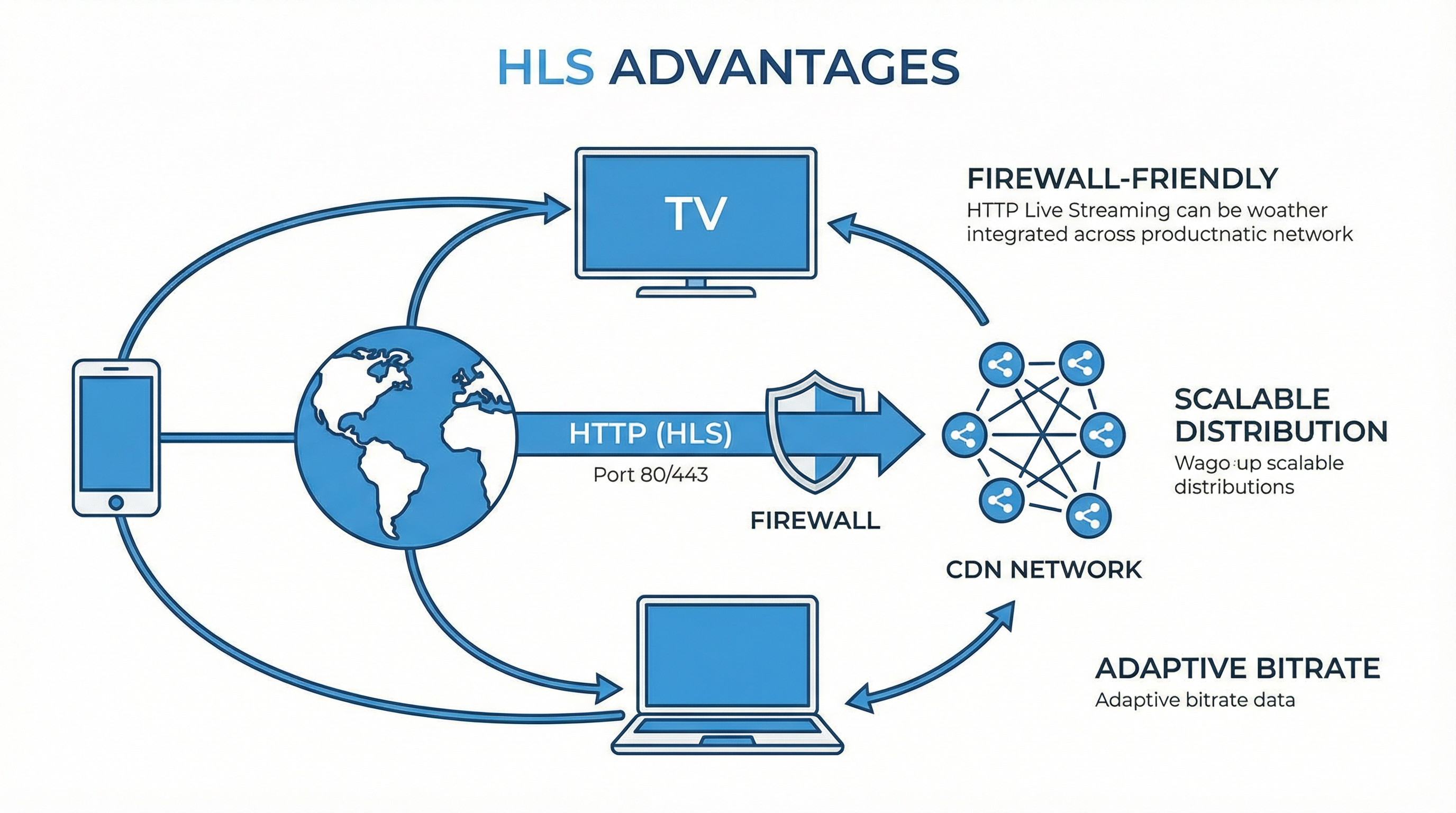 HLS Three Major Advantages: Cross-device compatibility, Firewall penetration, CDN friendly
The reason HLS dominates the streaming world is not because its technology is the most advanced, but because it is the most practical.
- Unbeatable Compatibility: From iPhone to Android, from Chrome to Smart TVs, almost all devices support HLS natively or very easily.
- Strong Penetration: It is based on standard HTTP (port 80/443), firewalls treat it as ordinary web traffic and won’t block it.
- Low Cost: You can distribute HLS files directly using ordinary CDNs, without the need for expensive dedicated streaming servers.
Advice for Developers: If you are building a Video on Demand (VOD) platform or a non-highly interactive live stream (such as sports events, concerts), HLS is your first choice. It can provide the best user experience at the lowest cost. But if you want to do real-time voice chat or instant game streaming, then please go study WebRTC.
I hope this article helps you uncover the mystery of m3u8. Next time you see a video go from blurry to clear, you will smile knowingly: “Ah, ABR just helped me change lanes.”